

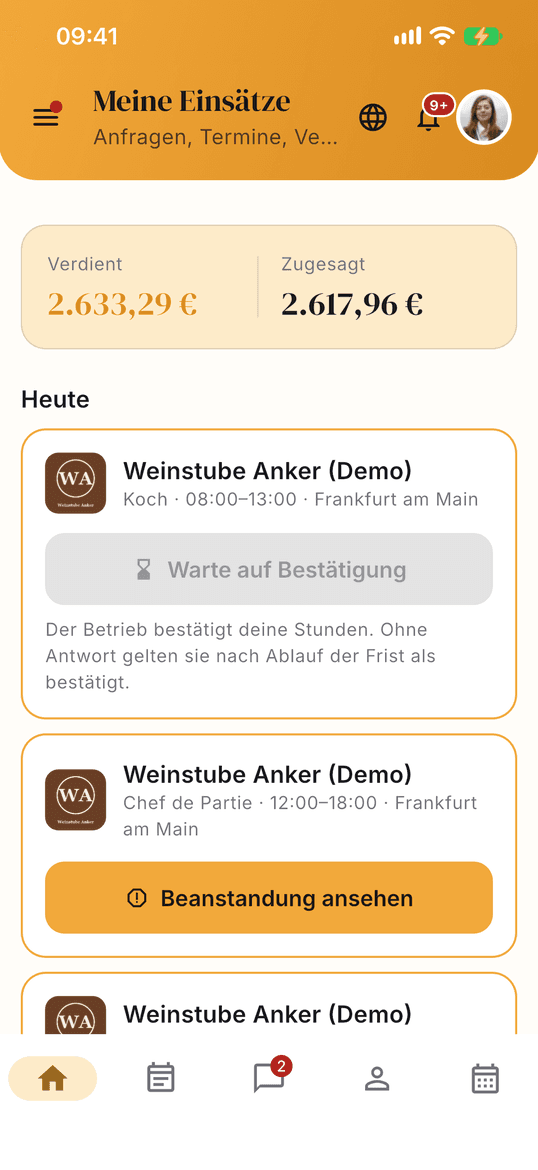
01 · Home
Your next shift first
The home screen shows your next shift, new requests and what you have earned. If a shift runs today, you clock in from here.
Tuesday, 10 am
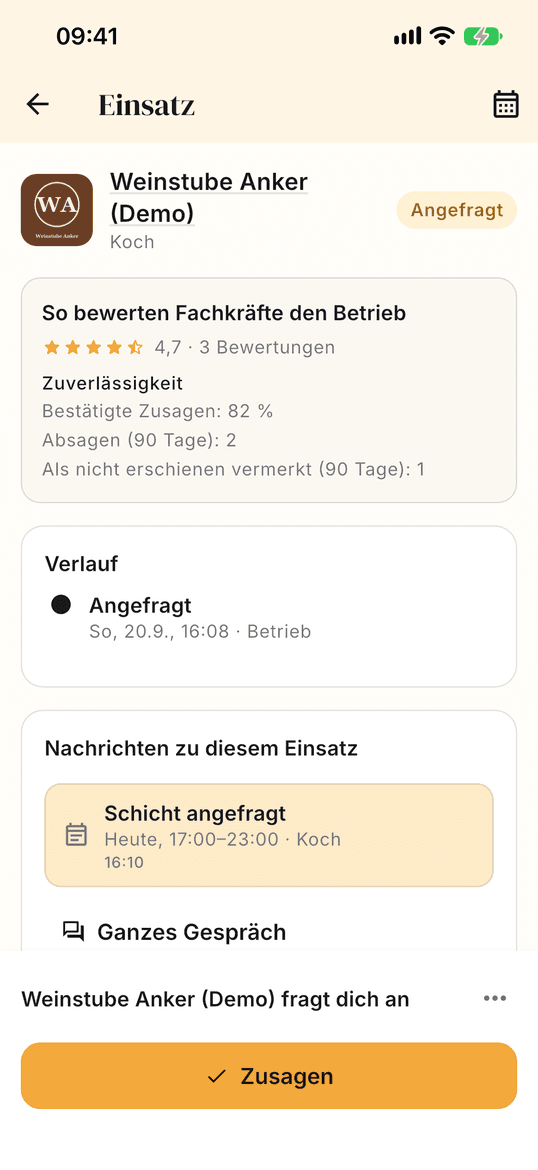
A hotel near you asks you for Saturday evening. In the app you see the day, time, place and what you earn at your hourly rate. If it suits you, you accept. If not, you decline – no reason needed.
Create accountSign in on the web
Coming to the stores
The app is coming to the App Store and Google Play. Until then, everything runs in your web account – with the same data.
You see the day, place and pay before you accept or decline.
You set it yourself, along with your night, Sunday and holiday surcharges, and change them whenever you like.
When the venue confirms, the amount is charged and held in escrow – before you start.
Once the venue confirms your hours, Sunworker issues the invoice in your name; you can also upload your own.
Five screens, from the request to the payout. Swipe through or pick a step.


You can only clock in once the amount has been charged. You never chase a payment.
Five mandatory documents and you are approved: training or retraining, HACCP, trade licence, tax office letter and identity via Stripe.
Only people who worked with you can rate. Hidden until both have rated or 14 days have passed – and you can reply.
The professional. They enter it in their profile, and it appears on every search result before anyone sends a request. Sunworker neither sets a rate nor negotiates one.
The clearing period begins after the shift. It lasts 72 hours, the same on all levels; the payout follows as soon as the invoice for the shift is available. There is no faster payout for a fee.
It is 15% of the pay and is deducted from the professional’s payout. From Level 2 it is 10%, from Level 3 8%. The commission is borne by the professional alone; what venues pay is explained under “service fee”. For orders from private individuals, the actual fee of the payment provider Stripe is added and offset against the payout.
Five. You upload your training certificate or retraining certificate, HACCP training, trade licence and the tax office letter with your tax number, and we verify them. Stripe verifies your identity when you set up your payout account – we do not store an ID document.
Not yet – it is coming to the App Store and Google Play. Until then you do everything in your web account, with the same sign-in and the same data.
The account is free. Commission only applies once a shift has come about.
Already have an account? Sign in
Credentials and a check of your details may be required at a later stage.
By registering, you agree to Sunworker's terms of use and to receiving emails from us. Please read our privacy policy to find out how we use your personal data.