
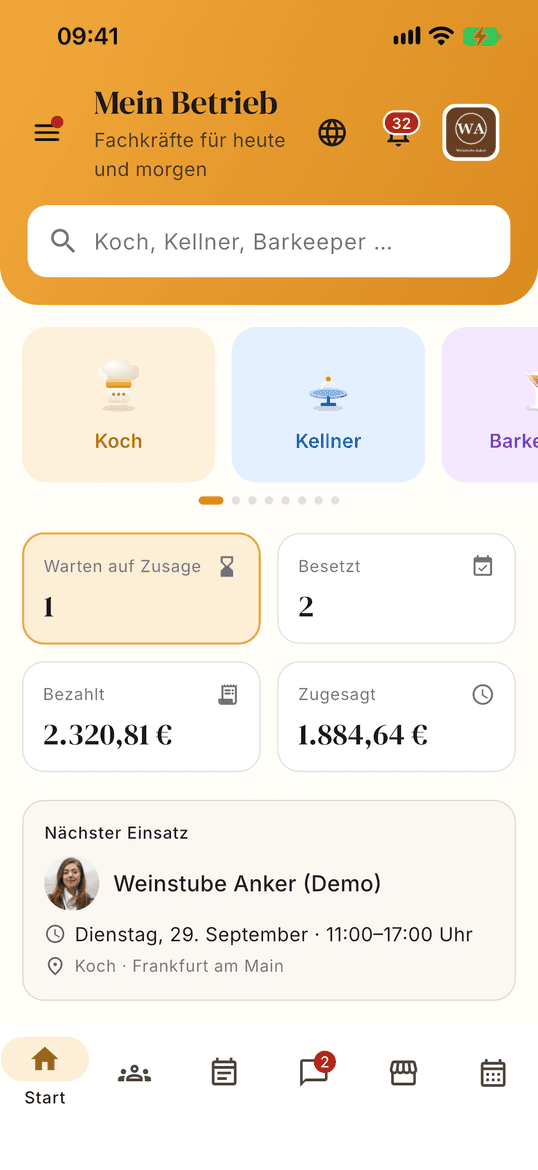
01 · Home
Today at a glance
The home screen counts your shifts by status – requested, accepted, confirmed – and takes you straight to search.
Friday, 5 pm
The first guests arrive in an hour. You open the app, look for cooks who are free today and close by, and send a request. When someone accepts, you confirm – and you know who will be in your kitchen tonight.
Create accountSign in on the web
Coming to the stores
The app is coming to the App Store and Google Play. Until then, everything runs in your web account – with the same data.
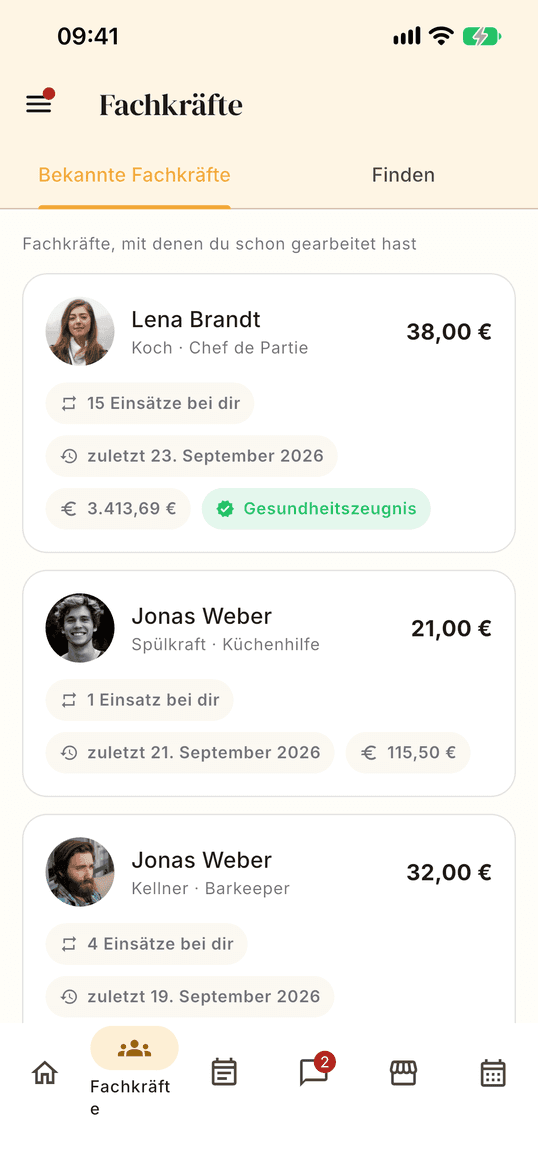
Search by role, day and distance, and see the hourly rate and ratings before you send a request.
A professional can only accept once we have verified their mandatory documents.
When you confirm, the amount is charged and held on the platform account until the shift is completed.
Once you confirm the hours, the professional's invoice is created – together with the service fee receipt as a PDF in your account.
Five screens, from the first look to the receipt. Swipe through or pick a step.


Training or retraining, HACCP, trade licence, tax office letter with the tax number, and identity – verified before a professional can accept.
The professional is paid only after the shift. If they cancel, you get the charged amount back in full.
Only people who worked together can rate. Both ratings stay hidden until both are submitted or 14 days have passed.
As short-notice as someone accepts — a professional dropping out on the same evening is exactly the situation Sunworker was built for. The search can be narrowed down to a specific day and only shows who is available that day.
Immediately, as soon as the shift is agreed: on confirmation, the full amount is collected from the stored payment method. The money is held in escrow on the platform account until completion and only then goes to the professional.
A service fee of 15% of the order value — the professional’s net pay including surcharges, excluding travel. It is collected with the order and invoiced separately by Sunworkers Ltd., without VAT under the reverse charge. Private individuals pay no service fee. The service fee also covers the cost of payment processing – there is no surcharge for card or direct debit.
Ratings are given within 14 days after the shift. Both ratings stay hidden until both are submitted or the 14 days are over. Anonymous ratings appear in batches once at least three are waiting, at the latest after 30 days.
Not yet – it is coming to the App Store and Google Play. Until then you do everything in your web account, with the same sign-in and the same data.
The account is free. Money only moves once you confirm a shift.
Already have an account? Sign in
Credentials and a check of your details may be required at a later stage.
By registering, you agree to Sunworker's terms of use and to receiving emails from us. Please read our privacy policy to find out how we use your personal data.